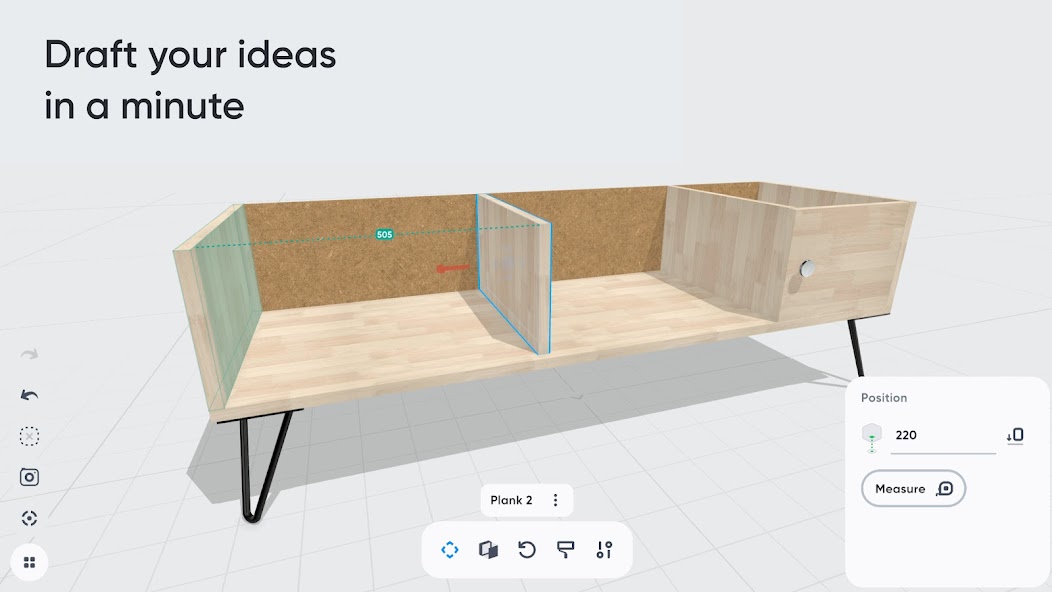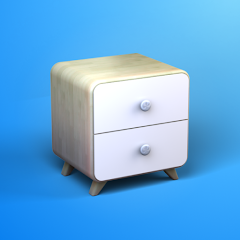
Want to create a bespoke piece of furniture or design a space yourself? Moblo is the perfect 3D modeling tool for your future projects. Great for easily designing furniture in 3D, you can also use it to imagine more complex interior designs. Using augmented reality, you can quickly bring your ideas to life and visualize them in your own home.
Whether you're a beginner or an experienced 3D modeler, Moblo is the perfect 3D modeling tool for your bespoke furniture projects. With its interface designed for either a touchscreen or a mouse, Moblo is simple and accessible to everyone.
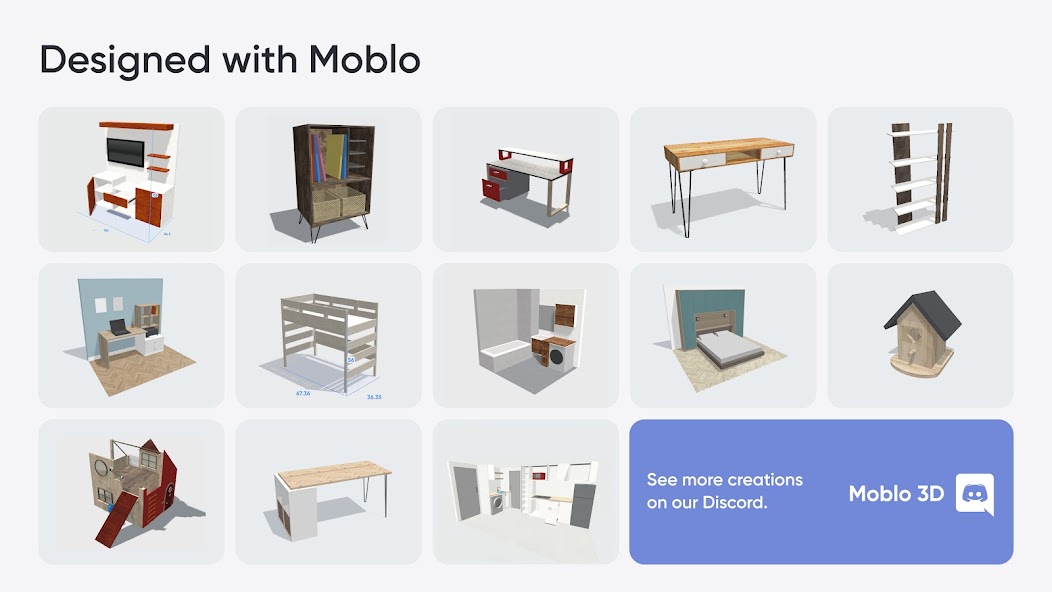
Examples of furniture or fittings often designed with Moblo: - Made-to-measure shelving - Bookcase - Dressing room - TV unit - Desk - Children's bed - Kitchen - Bedroom - Wooden furniture - Etc.
Visit our website or our Discord server to discover the full range of possibilities offered by Moblo. From DIY enthusiasts to professionals (carpenters, kitchen designers, interior designers, etc.), the community shares a whole host of ideas and creations. www.moblo3d.app
Creation steps:
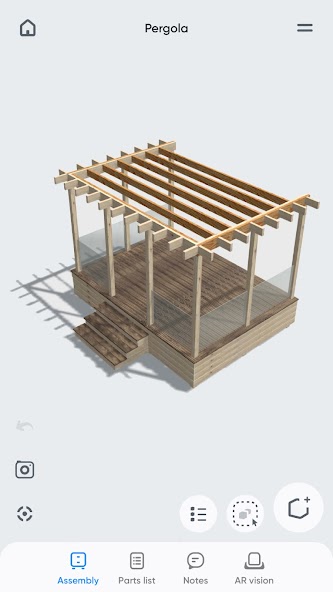
1 - 3D modeling Assemble your future piece of furniture in 3D using an intuitive interface and ready-to-use parts (basic shapes/legs/handles).
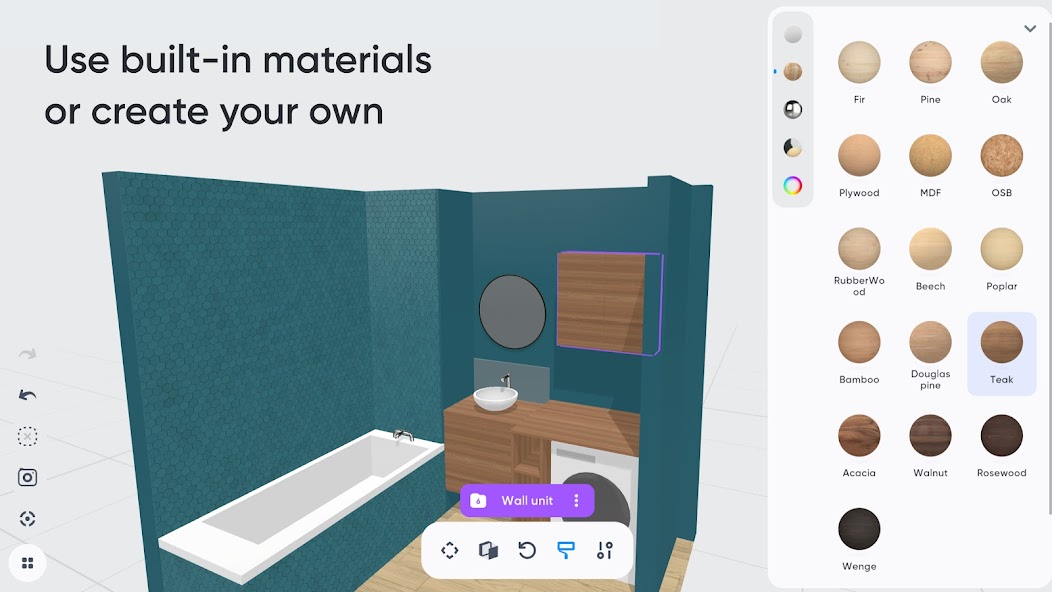
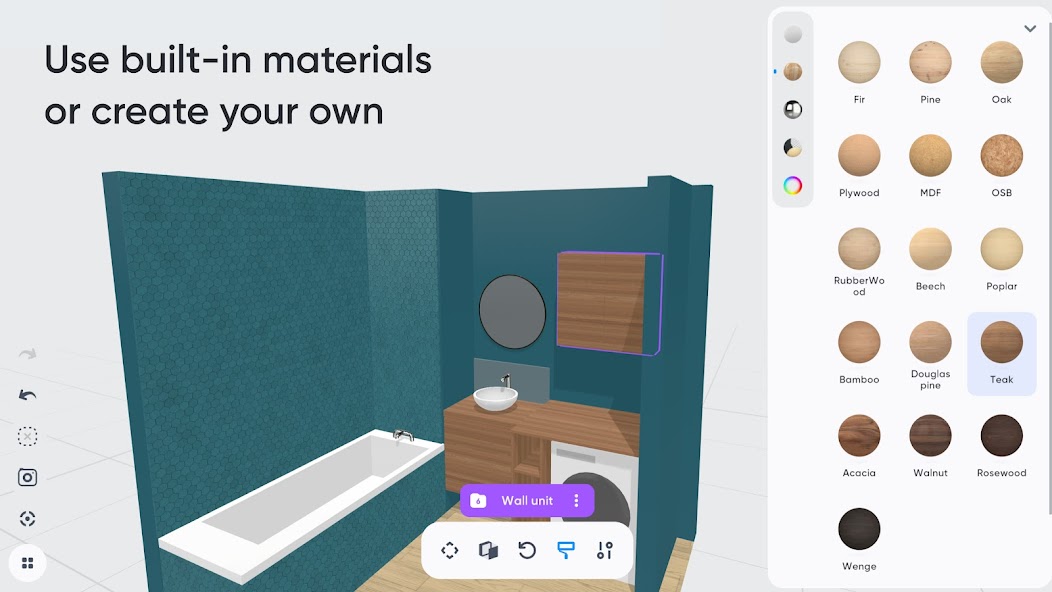
2 - Customize colors and materials Choose which materials to apply to your 3D furniture from our library (paint, wood, metal, glass). Or create your own material using a simple editor.
3 - Augmented reality Using your phone's camera, visualize your 3D creation in your own home and adjust it according to your space. This means you can see what your design looks like in a real-life context before you start production.
4 - 3D export Export your project as a 3D mesh file (.stl or .obj) for use with other tools such as Sketchup or Blender (raw mesh, without colors or textures).
Main features:
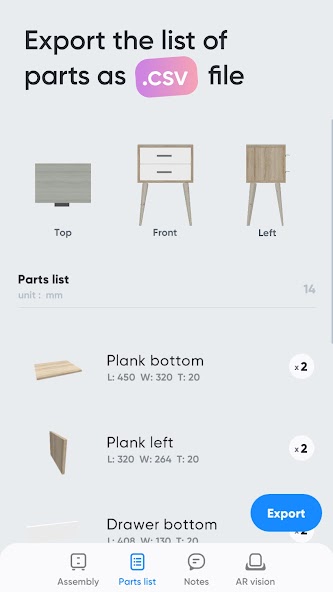
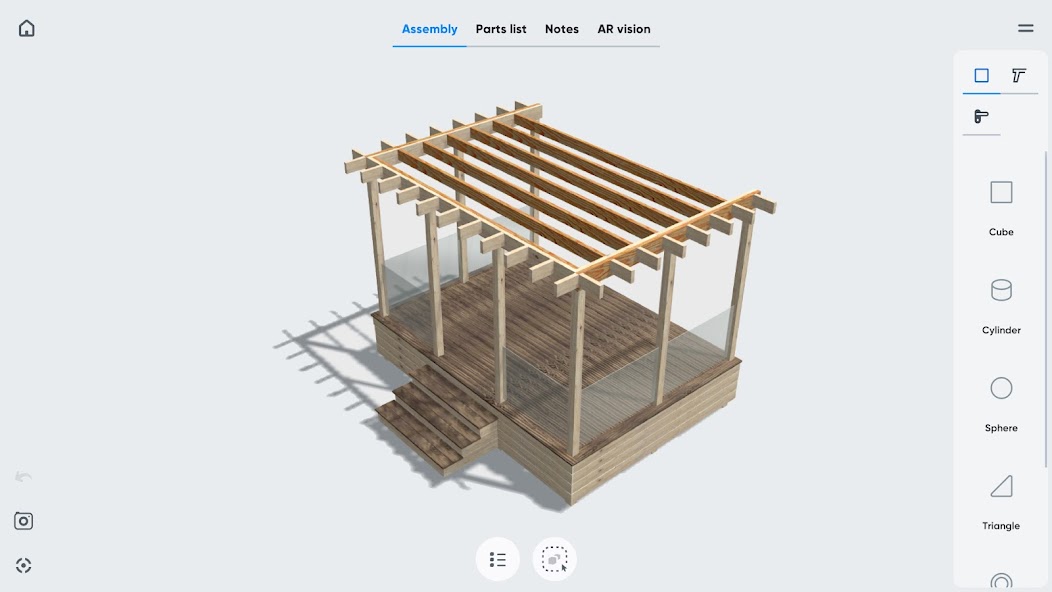
- 3D assembly (movement/deformation/rotation). - Duplicate/hide/lock one or more parts. - Materials library (paint, wood, metal, glass, etc.). - Custom materials editor (color, texture, shininess, reflection, opacity). - Augmented reality visualization. - Parts list. - Notes related to parts. - Photo capture.
Premium features:
- Possibility of working on several projects in parallel. - Unlimited number of parts per project. - Access to all part shapes. - Access to all materials in the library. - Save a selection as a new project. - Import a project into an existing project. - Export to .stl or .obj 3D mesh files (raw mesh without colors or textures). - Export the parts list in .csv format (compatible with Microsoft Excel or Google Sheets). - Share creations with other Moblo apps.
For further information, please visit our resources page on the moblo3d.app website.
قسط مفتوح
المساعدة والأسئلة الشائعة
هل تطبيق هابي مود على HappyMod.work يعمل بشكل أفضل من المواقع الأخرى؟
نعم، هابي مود على HappyMod.work خالٍ من الإعلانات وسرعة التحميل أسرع. جميع ملفات APK المعدلة يتم تحديثها باستمرار.
ما هو XAPK؟ كيف يتم تثبيته؟
XAPK هو تنسيق حزمة يجمع بين APK وملفات البيانات الإضافية. قم بتحميل وتثبيت تطبيق هابي مود لتثبيته.
رابط التحميل معطل!
حاول تحديث الصفحة، أو تغيير اتصال الشبكة، أو اختيار مرآة بديلة. إذا استمرت المشكلة، يرجى تقديم تقرير حتى نتمكن من تحديث الرابط في أقرب وقت ممكن.
ما الذي يسبب عدم عمل التعديلات بشكل صحيح؟
تشمل الأسباب الشائعة عدم تطابق الإصدار، أو بنية الجهاز غير المدعومة، أو فقدان أذونات النظام. لضمان الاستقرار، قم دائمًا بمطابقة التعديل مع إصدار اللعبة المحدد لديك وقم بإجراء تثبيت نظيف.
كيفية إصلاح خطأ "لم يتم تثبيت التطبيق"؟
قم بإلغاء تثبيت أي إصدارات متعارضة من التطبيق، وامسح ذاكرة التخزين المؤقت للمثبت، وتأكد من توفر مساحة تخزين داخلية كافية. بعد المسح، أعد محاولة التثبيت باستخدام حزمة المثبت الأصلية.
كيفية تحديث التعديلات دون فقدان البيانات؟
إذا تطابقت التوقيعات الرقمية، يمكنك ببساطة تثبيت التحديث مباشرة فوق التطبيق الحالي. ومع ذلك، يُنصح بشدة بعمل نسخة احتياطية من ملفات اللعبة قبل الترقية لمنع أي فقدان عرضي للبيانات.
أمان البيانات
تبدأ السلامة بفهم كيفية قيام المطورين بجمع بياناتك ومشاركتها.
لا تتم مشاركة أي بيانات مع أطراف ثالثة
قد يقوم هذا التطبيق بجمع أنواع البيانات التالية: الموقع، والمعلومات الشخصية، و3 أنواع أخرى